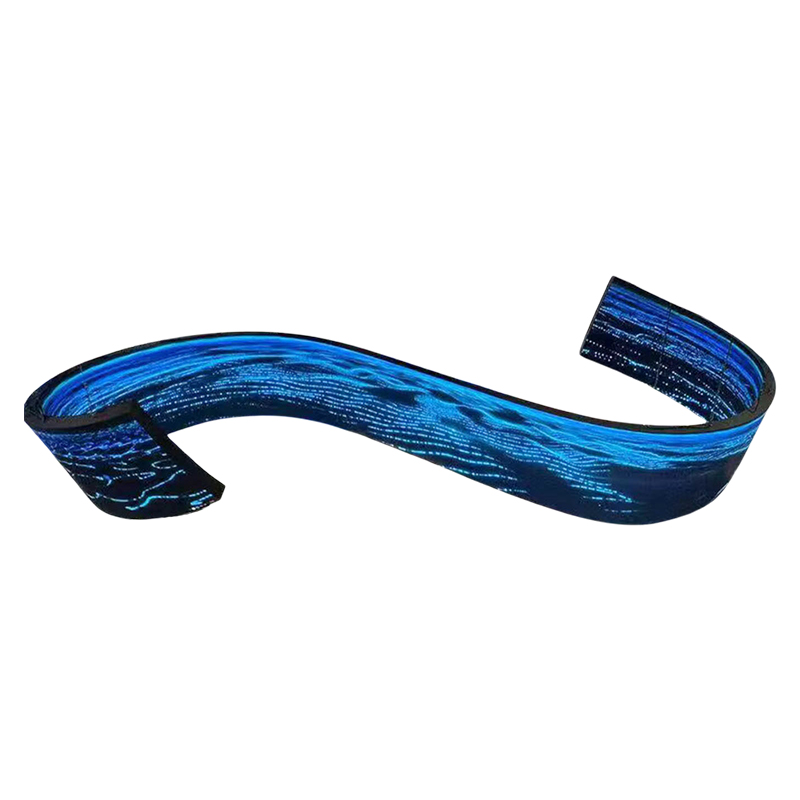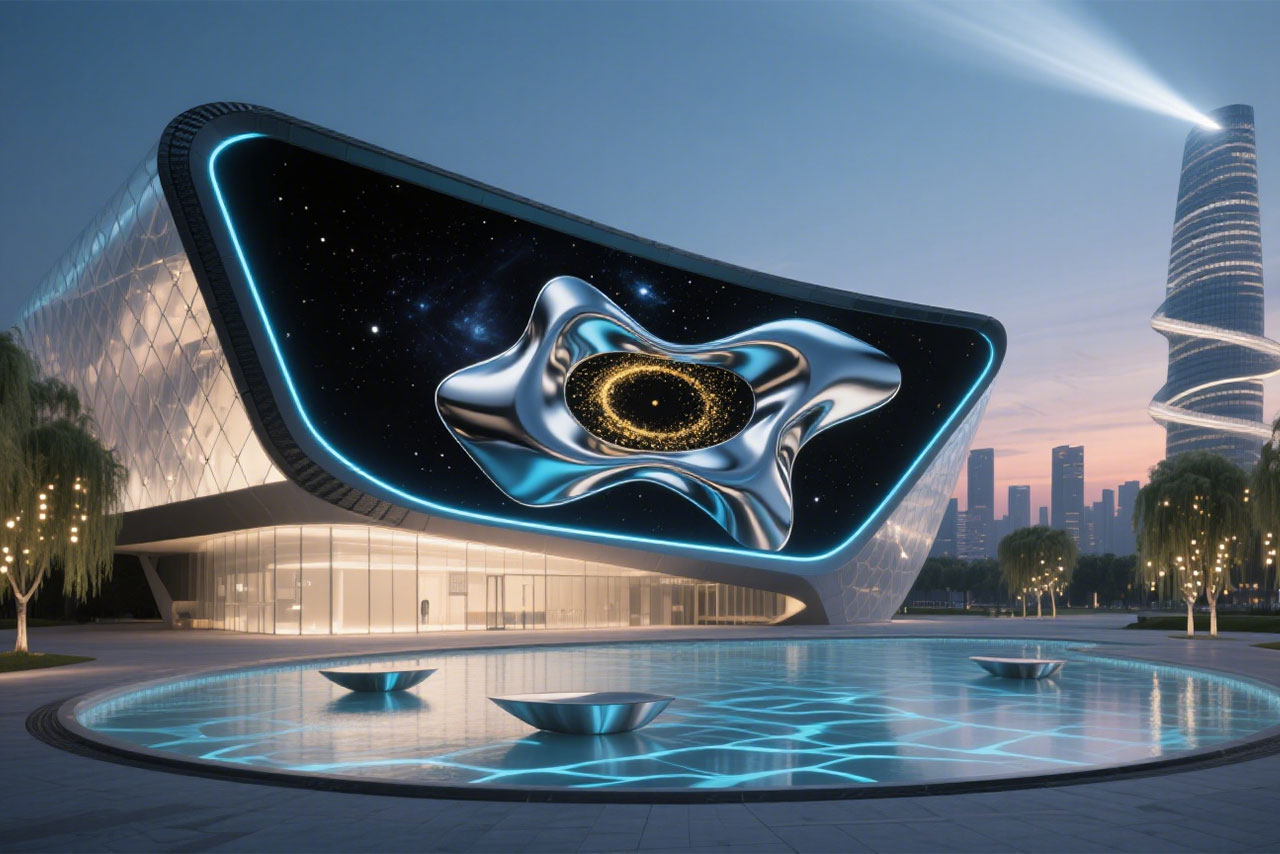
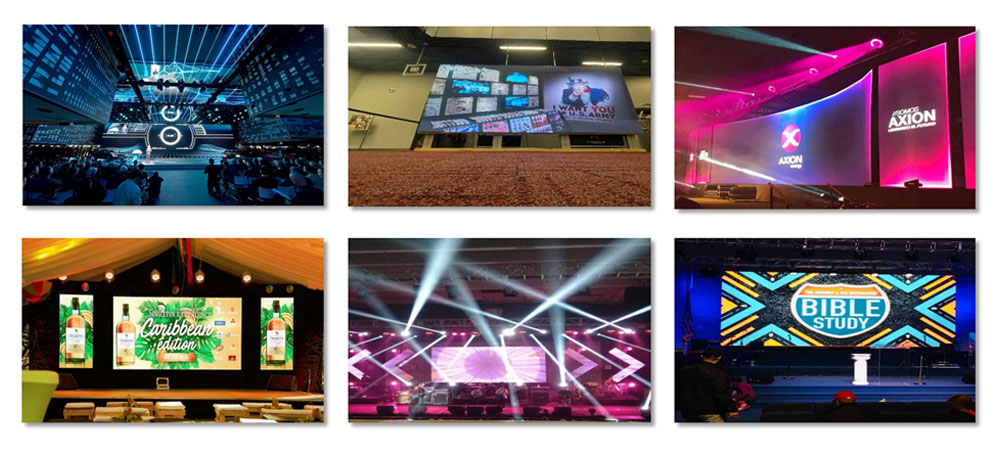
Floor tile LED display (MagicCarpet)

Floor tile LED display (MagicCarpet)

Floor Tile Screen BLJ Series 1000×500mm
Equipped with built-in control chip and interactive system, 128/256 sensing points can be selected per square meter.More precise response, more sensitive response, and smooth interactive effect.
Floor Tile Screen BX Series 1000×500mm
Made from high-quality materials and featuring a scientific design, this product is sturdy and durable, as well as waterproof and dustproof.
Magic Carpet BM Series 1000×500
The enclosure, power supply, modules, and control system are integrated into a single unit. Featuring an elegant design, it is foldable and can be rolled up like a carpet. Ultra-lightweight and ultra-thin, it requires minimal storage space.
Vector

Furniture Craftsmanship

Furniture-Craftsmanship

Our product is a full-colour LED display. It is an electronic display device composed of light-emitting diodes (LEDs), which presents images by controlling the on/off states and colour variations of red, green, and blue LEDs. It is suitable for indoor and outdoor advertising, stages, and similar scenarios.

All our models achieve refresh rates of 3840Hz/7680Hz. Examples include P1.25, P1.86, P2, P2.5, P2.976, P3.91, etc.

The number indicates the centre-to-centre distance between LED pixels (pixel pitch). A smaller number signifies higher resolution, resulting in a clearer display image.

The BLC team can assist with model selection. Clients should consider viewing distance, ambient brightness (indoor/outdoor), budget, and content requirements (e.g., video playback necessitates a high refresh rate).

Yes. Materials, dimensions, and shapes can all be customised. The BLC team can tailor products based on clients' design drawings. The BLC team offers complimentary logo printing services.

LED screens offer high brightness (adjustable), extended lifespan (over 10 years), suitability for both large and small displays indoors or outdoors, and seamless splicing capability. LCD screens are better suited for close-range, small-area displays.

The BLC team provides a complete product solution. Customers need not purchase additional equipment.

send us free message


recent blog articles

LED Stage Backdrop Content That Keeps Performers Visible

06
November
A stage background needs to leave plenty of room for the person standing there. Think about a speaker explaining a difficult idea. At the same time, bright graphics flash right behind their head. Those images might look great by themselves. But the mix forces the crowd to watch two separate things at once. Rental crews, event planners, and AV techs have to check this mixed view carefully. They do this while setting up the display files. The performer sets the visual hierarchy The spot where the speaker stands gives the designer a helpful guide. You need to mark this area on your screen draft. After that, place the biggest graphics around that mark. Next, put a real person into the shot. Does the layout make their face and hand movements easy to see? Or do people keep looking back at the moving pictures? An LED backdrop screen functions as a key piece of the whole stage setup. For a normal business meeting, try a quiet background. Put the main event logo far from the speaker’s face. For a live show, let motion and bright colors build the right feeling. At the same time, make sure the people in the front stay easy to see. Making two different drafts of a scene helps you spot visual clashes easily. First, build a very busy animation. Second, make a plain option. Next, play both files while someone says a few words on stage. You never have to guess which file highlights the speaker better. Just look at the two choices from the guest chairs. Space around faces and text Names need plenty of blank room, just like faces. You should type the longest speaker name into your file. Do this before you accept a short test name. Test this long word over the base background pattern. After that, ask the presenter to step away from the center mark. Watch out for any weird graphic clashes. Movement during speech Screen motion needs to fit the exact moment in the show schedule. A big entrance offers a totally different chance for art than a deep tech talk. Try a static picture or a very quiet loop while someone talks. You can save the busy video clips for a break in the schedule. Always test your choices against the speaker’s actual actions. The real pixel canvas shapes the artwork Digital artwork must match the native pixel resolution of the LED wall. A normal widescreen video does not just fit onto a long ribbon shape. It also fails to cover a tall setup without special tweaks.If a circle becomes distorted onscreen, this error will be immediately visible. This same stretching issue will ruin a company logo or a human face. Real cabinet details make this size rule very clear. For example, BLC LED’s indoor BHR P2.5 setup packs 200 × 200 pixels inside its 500 × 500 mm cabinet. So, a test wall built ten cabinets wide and six cabinets tall creates a 2000 × 1200-pixel space. That whole structure measures exactly 5 × 3 meters. That certain stage LED video wall uses a 5:3 ratio, instead of the normal 16:9 shape. You have to build the art just for those exact sizes. Or, you can place a normal video right inside that bigger area. This sample talks about one indoor BHR setup. It does not share the same pixel map with other pixel pitches or outdoor models. The farthest chair acts as a great place to check text clarity. Look at the longest real name, the smallest needed text, and the busiest logo from that very spot. A basic laptop screen stays handy for quick edits. But it totally fails to show the real physical gap between the crowd and the stage. Different programme moments need different backgrounds Schedule shifts give the screen a good reason to shift too. A simple intro clearly names a certain person. Next, a serious speech needs plenty of room for the main point. On the other hand, a music act might call for a much heavier visual mood. You need to give every scene on the LED wall stage backdrop a clear job. Do this before you paint any extra details. Programme moment Main visual job Rehearsal question Speaker introduction Show the person clearly Is the full name easy to read from the back? Detailed presentation Keep focus on the talk Does the art fight with the slides? Performance Boost the mood and the front view Are the people easy to spot? Programme transition Show a shift in the schedule Does the picture fit the next step? A shared graphic theme leaves plenty of room for many unique layouts. You can take one color group or a main shape across several scenes. After that, change the words and the motion to match the current part of the show. A sponsor page with many names needs a longer reading time than a mood video played during a song. Cameras reveal a second version of the stage Taped and live-streamed shows need a second vital viewing spot. This is the view from the video camera. You have to check the LED video backdrop in the planned wide angle and the tight zoom.Look closely at the borders of the camera lens, along with the absolute center. A name that looks perfectly fine on the full wall might get cut off badly in a tight shot. Repeating visual shapes are always worth testing right on the camera screen. If ugly moiré patterns pop up out of nowhere, try a plainer picture. Do this while the camera crew checks their angles and focus levels. You need to save the exact file that looks right in the final shot. One good screen setup does not mean it will work for every single camera angle. The official lighting practice totally needs real faces and clothes on stage. Previewing bright content on the LED wall without a person onstage gives little insight into realworld color balance. Color performance changes significantly once the speaker steps in position. You should gather the light and video techs together. They need to fix the levels as a team while a real person stands on the mark. Rehearsal turns a design into a useful backdrop The real show timeline acts as the best practice tool. Whether you use concert screens or a basic meeting setup, run the planned files in the right order. Always put a real human on the floor. You need to pay close attention to these key steps before you say yes to the final look: The speaker standing totally still and then walking across the marked talking zone. The smallest font size and the longest name truly used in the show. The brightest planned screen file checked next to the real stage lights. The visual jump from the last frame of one video straight into the next one. A backdrop that supports the programme The final sign-off step looks at the stage view as one big piece. Keep the digital files perfectly sized for the real physical screens. Check each show part with its main speaker standing right there. If the faces, the names, and the main point stay easy to track from the chairs and the cameras, the screen is doing its job well. If you have any special needs, please reach out to us today. FAQ What content works well behind a speaker? A quiet, simple layout acts as a very helpful starting spot. You need to leave plenty of blank space around the speaker. Keep all important names easy to read. Test any video motion fully while someone talks. Finally, check the final look with a person standing on the real stage mark. Does backdrop artwork always need to be 16:9? Screen art must strictly match the wall’s real physical shape and its exact pixel map. A normal video file can sit inside a wider or taller layout. However, its cut edges and any blank spots need careful, smart planning. How much text belongs on a stage background? You should only show the facts the crowd truly needs at that exact minute. Test the longest text line from the farthest chair in the room. After that, cut down anything that visually fights with the speaker or the main slide deck. Why review the backdrop through a camera? A video camera frames and tapes the stage very differently than a seated guest does. Checking the planned camera views uncovers annoying screen patterns. It also shows weird cut-offs and bad brightness levels. You have to fix these problems before the real show or the taping starts. Is the same background suitable for every event segment? Different show parts hold different visual goals. You should keep a shared overall graphic style. But you need to change the text amount, the video motion, and the main focus. Do this carefully for guest intros, deep talks, live acts, and schedule shifts.  
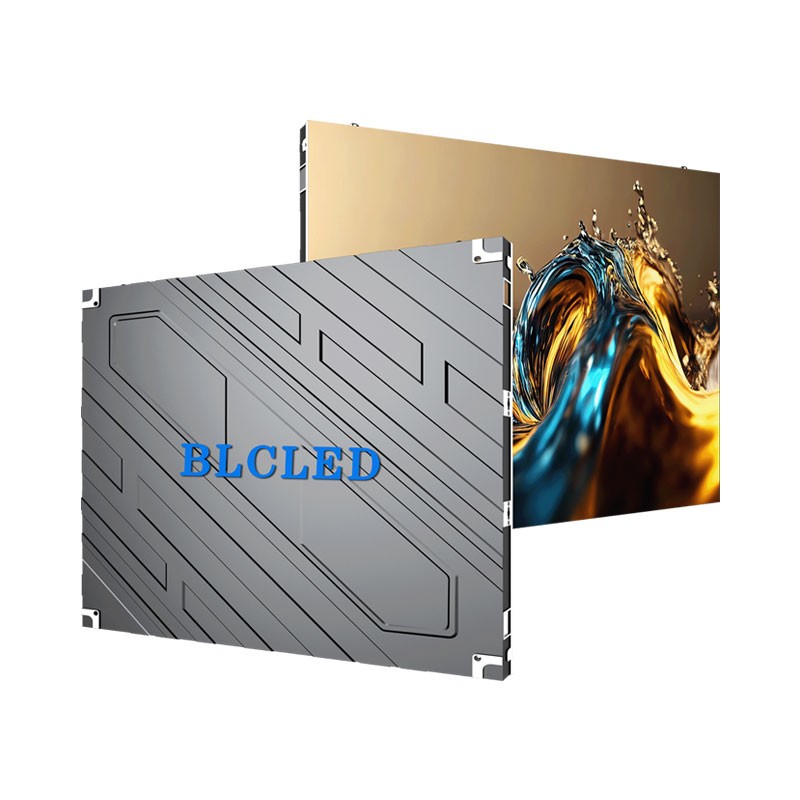
HD, FHD, UHD and 4K: What LED Screen Buyers Need to Know

30
October
Check the wall before approving the file. A designer can send you UHD artwork, yet your advertising screen or rental backdrop may have nowhere near enough LEDs to show every pixel. Compare the file dimensions against the wall’s native pixel count at this point. Do both match? That question is more useful than a ‘4K’ label when your team has to decide whether small lettering will survive playback. What the resolution labels actually describe Resolution describes picture elements across an image and down its height. The two numbers belong together. A screen described only as “4K wide” may have enough horizontal pixels but lack the height required for a complete UHD image. We use the following 16:9 formats as reference points. Multiply width by height, and UHD yields four times the pixel count of FHD. Will your audience see the difference? We’d check the content and viewing distance before assuming so. Format Width × height in pixels Total pixels HD (720p)  1280 × 720  921,600 FHD (1080p)  1920 × 1080 2,073,600 UHD (2160p)  3840 × 2160 8,294,400   The term 4K needs a little care. For a television-style signage canvas, we’d normally read ‘4K’ as 3840 × 2160. A cinema canvas can be 4096 × 2160; it has extra width. We would write the actual dimensions into a content brief rather than leave a production team guessing what “4K” means. How pixel pitch determines the physical wall We measure pitch in millimetres, from one pixel’s centre to the next. Reduce that spacing, and we can either fit extra pixels across your wall or build the same pixel canvas in less space. This is why choosing a fine pitch LED display involves both the available wall space and the required image dimensions. Consider our BLC LED BN Series P1.25 configuration. Its 320 × 160 mm module gives us 256 × 128 pixels. Check the horizontal count: 320 ÷ 1.25 = 256. That gives your design team a checkable module width before any cabinets are combined. On paper, we get a 4800 × 2700 mm canvas by multiplying 3840 × 2160 pixels by a 1.25 mm pitch. That is a geometric calculation, not an available cabinet arrangement. Real cabinets contain whole modules, so a proposed build must be checked against the actual cabinet matrix. If we round the wall dimensions to suit your venue, we have to recalculate its pixel canvas too. Why a 4K input can still look soft The input specification describes what the processor can receive. Native resolution describes the physical pixels on the finished screen. The processor receives the file before it reaches the LED wall. Accepting more input pixels leaves the physical LED count unchanged. When we downscale a file, we compress a larger source image into fewer wall pixels. Resizing may leave a broad block of colour recognisable yet merge the strokes in small text. Those two results can occur in the same frame. Try the price list as well as the promotional video. A good-looking moving picture tells your team little about the smallest lettering. With upscaling, we spread a smaller source over a larger output canvas. The picture gets bigger. The source still sets the limit on the original detail available to show. We’d open the logo file, too. Compression damage won’t necessarily change its stated width of 1920 pixels. For your outdoor LED video screen, we also need the audience position and lighting conditions. The pixel count tells us neither of these. Use the plaza headline for a distant audience test and the schedule for a close reading test. The screen has to serve the actual reading task. What happens when the backdrop isn’t 16:9 An LED wall can have proportions that differ from standard video. Suppose we have a 3000 × 1000 pixel stage canvas—an illustrative 3:1 layout. Your complete 16:9 picture won’t fill it unchanged. Your operator has to leave borders, cut away image areas or alter the proportions. Keeping the full image preserves the composition but leaves borders. If we enlarge the picture until it fills the backdrop, some of the image falls outside the canvas. If we stretch it instead, we keep the image areas but change the shapes: a round logo becomes oval, for instance. None of these choices is a resolution upgrade. For LED display screen rental, we recommend agreeing the final pixel canvas before creating the show graphics. We’d check each sponsor mark against the crop boundary before signing off. Is a logo sitting near an edge? Move it into the visible area. Where the layout allows, we’d give your designer the wide canvas dimensions and have the artwork composed for that shape. A useful content check before approval An approval test should use the content your audience needs to read. Send a sample containing the smallest planned text, the actual logo artwork and a representative moving sequence. Review it on the proposed pixel canvas, then check the display from the intended audience positions when a demonstration is available. Record the source dimensions, native wall dimensions and scaling choice together. This gives your content team a repeatable brief if the installation changes or the rental layout grows. A file called “final-4K” cannot provide that information. The resolution decision that matters The useful question is whether the complete image reaches the audience clearly on the wall you can build. We’d settle the wall dimensions and audience position before commissioning the finished artwork. Your designer then has an actual pixel canvas to work with. Put that width and height in the handover brief; ‘HD’ or ‘4K’ alone leaves too much open to interpretation. FAQ Does UHD always mean 3840 × 2160? That’s the format we mean here. We’d write 3840 × 2160 in your brief, since the broader UHD family includes higher resolutions. Is a screen with 3840 horizontal pixels automatically 4K UHD? We need the height as well: 2160 pixels. Your ribbon display could have all 3840 horizontal pixels and still be too short to show the complete UHD canvas without resizing it. Can a Full HD wall play a UHD video? Yes, provided your player and processor accept that UHD signal and resize it for the wall. The wall still displays its native number of pixels. Does a smaller pixel pitch always justify the extra cost? We wouldn’t choose pitch on the label alone. Dense text read nearby can justify pixels that add little to a large image viewed from across a venue. We would check your smallest text from the intended audience position before spending more on a finer pitch. Does 4K specify refresh rate? No. We use resolution to describe the pixel grid and refresh rate to describe how often the display updates. For your filmed event, we’d test the screen with the intended camera settings. A 4K label doesn’t answer that question.

How to Source Custom Shaped LED Screens from OEMs

22
October
A creative display can look convincing in a rendering and still fail when the geometry reaches the factory floor. For distributors, integrators, and advertising contractors, the real question is whether an OEM can convert a shape into controlled drawings, repeatable modules, a serviceable structure, and test evidence. The review must follow that work from concept approval to shipment. Shape Changes What the Supplier Must Control A custom shaped LED screen is a geometry project as much as a display purchase. A sphere, ring, cube, counter, or flowing curve changes module boundaries, frame tolerances, cable routes, viewing directions, and access for repair. The supplier must show how those decisions work together in the quoted form. Portfolio images do not prove that a factory can reproduce your dimensions. Ask which parts use standard modules, which require custom metalwork or tooling, and which tolerances control the seams. That distinction exposes where schedule, cost, and quality risk sit. A Controlled Design Brief Makes Quotations Comparable A controlled brief gives every bidder the same problem. Include dimensioned drawings, indoor or outdoor use, viewing positions, active display surfaces, mounting points, weight limits, service clearance, content source, and destination-market requirements. A reference image communicates intent, but it cannot replace dimensions and interfaces. Content belongs in the brief because a non-rectangular canvas changes where text and logos remain visible. Request a pixel map before approval. A sphere needs a different safe area from a disc, while a cube must explain how content crosses edges or changes between faces. Approved geometry and active display area Module, cabinet, frame, and mounting interfaces Power, data, controller, and content-mapping scope Service route, spare parts, packing, and installation sequence Engineering Evidence Matters More Than a Sales Label A credible LED display screen manufacturer can explain the path from drawing review to production release. For a custom form, that path should include revision control, structural responsibility, a bill of materials, and written approval points. If the supplier cannot identify the current configuration, later test reports may describe another product. Factory ownership is useful only when it improves control. BLC LED integrates research and development, production, sales, and service, and it supports custom dimensions and shapes including arcs, circles, spheres, and cube forms. The company also offers OEM private labeling. Those capabilities make it relevant to the project, but buyers should still verify the exact engineering scope attached to their order. The First Full Assembly Is the Most Useful Sample A small module sample can confirm color and surface quality, yet it cannot reveal whether an unusual structure closes accurately. The decisive sample is a prototype or first full assembly built from the released drawings. Review it from the intended viewing angles and with the real content map before authorizing volume production. The review should reproduce tight radii, corners, seams, suspended interfaces, access panels, and cable transitions. Record measurements, photos, controller files, and approved deviations. If the display will be disassembled for shipping, require a reassembly trial using the labels and instructions provided to the site team. Project risk Evidence before production release Shape or seam mismatch Approved drawings, dimensions, tolerances, and full assembly photos Content distortion Final pixel map tested with representative media Blocked maintenance Recorded removal and replacement of a serviceable part Site reassembly errors Numbered components, packing map, and installation sequence Quality and Compliance Records Must Match the Build Quality evidence becomes useful when it identifies the order, revision, and result. BLC LED documents incoming, in-process, and finished-product checks, followed by a 72-hour burn-in process. Buyers should connect those controls to the approved assembly and retain the inspection record with the configuration files. Certificates also need careful reading. ISO 9001 certification concerns a quality management system; it is not automatic product approval. For European sales, CE marking places conformity-assessment, technical-documentation, and declaration responsibilities on the manufacturer. Ask for the applicable declaration and supporting documents for the exact supplied configuration rather than accepting a logo on a brochure. Price and After-Sales Support Belong in One Scope A LED display screen supplier quotation is comparable only when inclusions are visible. Separate display hardware, custom structure, tooling, controllers, spares, packing, documentation, commissioning, and on-site work. A lower total may omit the engineering or service items that make the shape usable. After-sales planning should begin before shipment because custom parts may not match standard stock. Identify unique modules, power units, receiving cards, frame sections, and tools; then agree on spares, file backups, response channels, and repair responsibility. BLC LED provides 24/7 remote technical support, which buyers can test with one factory fault-and-recovery exercise. Commercial approval should compare the same service scenario. Price one expected repair, check whether the technician can reach the part, and confirm who supplies a replacement matching the approved geometry and calibration. This gives price, quality, and support a common basis. A Defensible OEM Choice Follows the Evidence Chain The strongest OEM choice keeps one traceable chain from the design brief to the approved drawing, full assembly, inspection record, packing plan, and service file. That chain turns a creative concept into a repeatable product. Buyers can approve the shape because its engineering and support are visible, not because the presentation looks persuasive. Share the intended shape, drawings, viewing conditions, installation method, destination market, and service constraints through the project contact page. BLC LED can use that brief to define the suitable custom-display path and the evidence needed before production. FAQ What Files Should I Send for an OEM Creative LED Display Quote? Send dimensioned drawings, a reference rendering, active display areas, mounting points, viewing distances, indoor or outdoor conditions, service clearance, content format, destination market, and delivery scope. Label the current revision so every bidder prices the same design. Is a Product Sample Enough for a Custom Shape? A module sample can show image quality, but it cannot confirm completed geometry. Approve a prototype or first full assembly with the difficult curves, seams, interfaces, content map, and service route before production. How Can Buyers Verify That the Factory Built the Screen? Request a factory review tied to the order number, drawing revision, bill of materials, assembly stage, and inspection record. The evidence should identify your configuration rather than an unrelated production line. Which Quality Records Matter for a Creative LED Display? Useful records include incoming checks, in-process inspection, seam measurements, image tests, burn-in results, controller files, approved deviations, packing verification, and final acceptance. Each record should identify the exact order and configuration. What Should an OEM After-Sales Plan Cover? The plan should identify unique parts, spares, configuration backups, diagnostic steps, response channels, warranty scope, repair responsibility, and replacement lead times. It should show how a technician replaces parts without damaging the structure.

Beyond the Hardware: Full-Service DOOH LED Video Wall Solutions

14
October
Ask a DOOH advertiser to budget for an outdoor screen and the first number that lands on the desk is the panel. That is the wrong place to start, though. Whether the site earns its rent is decided by the structure above it, the power behind it, the system that pushes creatives to it, and whoever fixes it when a module finally drops out. Looked at piece by piece, a full-service solution is much easier to compare on substance than on a single brightness figure. The Panel Layer An outdoor LED video screen is modular, and the panel itself has no idea what the weather is like where it is bolted. Two outdoor LED display cabinets with the same pixel pitch can age very differently, one on a salty coastal rooftop and the other wall-flushed into a mall facade. The difference shows up in everything engineered around the glass. That is the whole reason full-service supply exists. Hand over panels and stop, and the structure, the power, the content pipeline, and the upkeep each become a separate problem, usually spread across several vendors. When the revenue depends on uptime, that split quietly turns into real money. Sizing the Panel to the Site Pixel pitch is the first real decision, because it sets how far away the image still reads cleanly, which tracks the traffic the site actually captures. A corner where people stand a few meters out wants a finer pitch than a highway gantry where the viewer is thirty meters away and moving fast, so the pitch choice is really a site choice. A P3.91 outdoor LED display fits close, dense urban viewing. A coarser P10.42 outdoor LED screen is the sensible pick for roads and long-throw formats. Finer pitches pack more pixels per square meter, so peak power draw climbs, and the cabinet has to hold its brightness against direct sun. Pixel pitch Pixel density (dots/m²) Typical brightness Best viewing distance DOOH fit P3.91 65,536 5,500–10,000 nits 4–100 m Urban street, plaza P4.81 43,264 5,500–10,000 nits 5–100 m Main road, mall P6.25 25,600 6,000–10,000 nits 6–150 m Arterial road P10.42 9,216 6,000–10,000 nits 10–200 m Highway, long-throw Once pitch, brightness, and cabinet size are locked, the dimensions and weight of the build are set, and those numbers feed straight into the structure. The Structure and Power Layer Everything that holds the screen to the building sits here. Rooftop and billboard installs usually take rear-service cabinets, because the open back vents heat and leaves a safe corridor for a technician. Tight or sealed facades point the other way, toward front-service access with magnetic or rotary-wrench module removal. Custom structure is where a factory-based supplier earns its keep. Wind load, mounting orientation, and the exact footprint all shift from one site to the next, so a stock box rarely lands on the right numbers. The electrical side is just as important. A power supply and distribution set matched to the cabinet’s peak draw, running on a wide AC90–264 V input, is what lets the same hardware move between countries without a rewiring job. The Content Control Layer The control system is the piece that scales with the network. A single screen gets by on a local player. An advertiser running thirty sites cannot, and needs centralized scheduling: one place to push a campaign everywhere, swap a creative at a set hour, and confirm the change actually went out. Remote, cloud-based playback is what turns a scattered portfolio into one asset an operations team can run without a technician on every site, and a full-service package ships that console as part of the delivery rather than as an add-on. The receiving-card and playback setup is configured during commissioning, so the advertiser’s own team holds the content workflow from day one. Certifications and After-Sales Compliance and logistics keep a cross-border network on time, and the certifications are not a marketing footnote on an outdoor product. ISO 9001 and ISO 27001 management certification, plus CE, RoHS, and FCC listing, is what makes the hardware acceptable across markets. Supplying more than 110 countries means the same cabinet family has to clear different regimes, and a one-stop, factory-direct chain keeps the power, distribution, and documentation moving as one unit instead of three disconnected vendors. After-sales is the layer buyers underestimate, because the pain points that quietly sink a DOOH network are downtime and slow repairs. A two-year warranty backed by a stocked parts inventory, on the order of five thousand components held for rapid replacement, keeps the screen earning instead of sitting dark while a spare part ships across an ocean. The Complete Solution at Handover Put it together and a full-service DOOH LED video wall solution is a site-sized panel, a custom structure and power architecture, a centralized content console, the certifications and logistics to move it into market, and a stocked after-sales layer behind it. That is what a buyer is really weighing when one offer prices a screen and another prices a running network. For an advertiser building across several markets, that completeness is where a manufacturer like BLC becomes practical. With its own factory, the structure can be tailored to each site, the same hardware can clear different markets, and one accountable team carries the screen from installation through its service life. After a site survey, the next step is straightforward. Match the pitch to the viewing distance, size the structure to the load, and confirm the control and after-sales terms before the panel order is placed. FAQ What does a full-service outdoor LED video wall include? It covers the site-sized panel, the custom structural frame and power distribution, the content control system, the required certifications and documentation, and the after-sales parts and response. How do I choose the right pixel pitch for a DOOH site? Match the pitch to the normal viewing distance. Finer pitches, around P3.91 to P4.81, suit close, high-traffic urban sites; coarser pitches, P6.25 and up, suit roads and long-throw locations. Do front-service and rear-service cabinets matter for outdoor installs? Yes. Rear-service cabinets suit rooftops and billboards with a safe back corridor and good airflow. Front-service access suits tight or sealed facades where the back is not reachable. The choice comes from the physical install, not from the screen itself. Can the same outdoor LED display hardware be used across different countries? The outdoor cabinets run on a wide AC90–264 V input and carry CE, RoHS, and FCC listing, which supports reuse across markets. A factory-direct supply chain keeps the power, distribution, and documentation consistent between sites. Why is the after-sales layer part of the decision, not an afterthought? Downtime is what costs a DOOH network its revenue. A stocked parts inventory, a 24/7 response, and a defined rapid-response time keep the screen up between campaigns, which is what protects the return on a network meant to run continuously.
Home
WhatsApp
Email
Contacts