



HD, FHD, UHD and 4K: What LED Screen Buyers Need to Know
30
October
Check the wall before approving the file. A designer can send you UHD artwork, yet your advertising screen or rental backdrop may have nowhere near enough LEDs to show every pixel. Compare the file dimensions against the wall’s native pixel count at this point. Do both match? That question is more useful than a ‘4K’ label when your team has to decide whether small lettering will survive playback.
What the resolution labels actually describe
Resolution describes picture elements across an image and down its height. The two numbers belong together. A screen described only as “4K wide” may have enough horizontal pixels but lack the height required for a complete UHD image.
We use the following 16:9 formats as reference points. Multiply width by height, and UHD yields four times the pixel count of FHD. Will your audience see the difference? We’d check the content and viewing distance before assuming so.
Format
Width × height in pixels
Total pixels
HD (720p)
1280 × 720
921,600
FHD (1080p)
1920 × 1080
2,073,600
UHD (2160p)
3840 × 2160
8,294,400
The term 4K needs a little care. For a television-style signage canvas, we’d normally read ‘4K’ as 3840 × 2160. A cinema canvas can be 4096 × 2160; it has extra width. We would write the actual dimensions into a content brief rather than leave a production team guessing what “4K” means.
How pixel pitch determines the physical wall
We measure pitch in millimetres, from one pixel’s centre to the next. Reduce that spacing, and we can either fit extra pixels across your wall or build the same pixel canvas in less space. This is why choosing a fine pitch LED display involves both the available wall space and the required image dimensions.
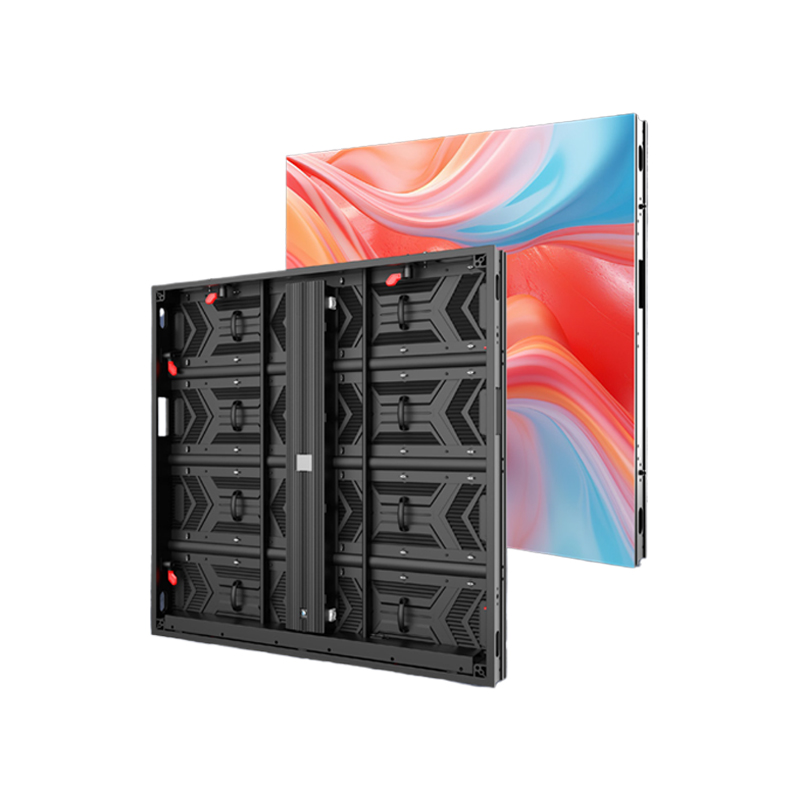
Consider our BLC LED BN Series P1.25 configuration. Its 320 × 160 mm module gives us 256 × 128 pixels. Check the horizontal count: 320 ÷ 1.25 = 256. That gives your design team a checkable module width before any cabinets are combined.
On paper, we get a 4800 × 2700 mm canvas by multiplying 3840 × 2160 pixels by a 1.25 mm pitch. That is a geometric calculation, not an available cabinet arrangement. Real cabinets contain whole modules, so a proposed build must be checked against the actual cabinet matrix. If we round the wall dimensions to suit your venue, we have to recalculate its pixel canvas too.
Why a 4K input can still look soft
The input specification describes what the processor can receive. Native resolution describes the physical pixels on the finished screen. The processor receives the file before it reaches the LED wall. Accepting more input pixels leaves the physical LED count unchanged.
When we downscale a file, we compress a larger source image into fewer wall pixels. Resizing may leave a broad block of colour recognisable yet merge the strokes in small text. Those two results can occur in the same frame. Try the price list as well as the promotional video. A good-looking moving picture tells your team little about the smallest lettering.
With upscaling, we spread a smaller source over a larger output canvas. The picture gets bigger. The source still sets the limit on the original detail available to show. We’d open the logo file, too. Compression damage won’t necessarily change its stated width of 1920 pixels.
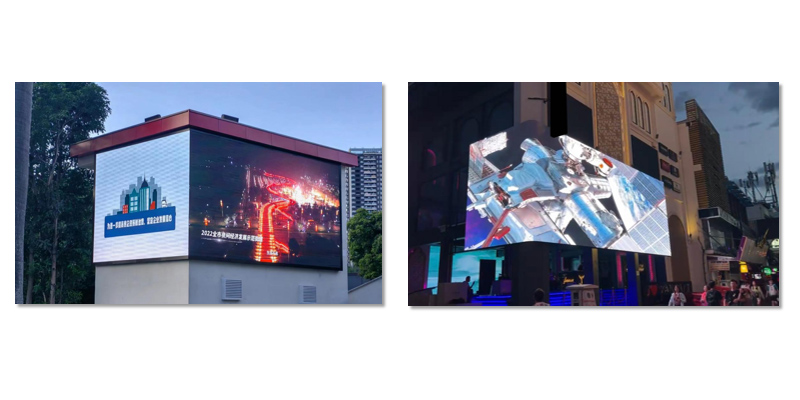
For your outdoor LED video screen, we also need the audience position and lighting conditions. The pixel count tells us neither of these. Use the plaza headline for a distant audience test and the schedule for a close reading test. The screen has to serve the actual reading task.
What happens when the backdrop isn’t 16:9
An LED wall can have proportions that differ from standard video. Suppose we have a 3000 × 1000 pixel stage canvas—an illustrative 3:1 layout. Your complete 16:9 picture won’t fill it unchanged. Your operator has to leave borders, cut away image areas or alter the proportions.
Keeping the full image preserves the composition but leaves borders. If we enlarge the picture until it fills the backdrop, some of the image falls outside the canvas. If we stretch it instead, we keep the image areas but change the shapes: a round logo becomes oval, for instance. None of these choices is a resolution upgrade.
For LED display screen rental, we recommend agreeing the final pixel canvas before creating the show graphics. We’d check each sponsor mark against the crop boundary before signing off. Is a logo sitting near an edge? Move it into the visible area. Where the layout allows, we’d give your designer the wide canvas dimensions and have the artwork composed for that shape.
A useful content check before approval
An approval test should use the content your audience needs to read. Send a sample containing the smallest planned text, the actual logo artwork and a representative moving sequence. Review it on the proposed pixel canvas, then check the display from the intended audience positions when a demonstration is available.
Record the source dimensions, native wall dimensions and scaling choice together. This gives your content team a repeatable brief if the installation changes or the rental layout grows. A file called “final-4K” cannot provide that information.
The resolution decision that matters
The useful question is whether the complete image reaches the audience clearly on the wall you can build. We’d settle the wall dimensions and audience position before commissioning the finished artwork. Your designer then has an actual pixel canvas to work with. Put that width and height in the handover brief; ‘HD’ or ‘4K’ alone leaves too much open to interpretation.
FAQ
Does UHD always mean 3840 × 2160?
That’s the format we mean here. We’d write 3840 × 2160 in your brief, since the broader UHD family includes higher resolutions.
Is a screen with 3840 horizontal pixels automatically 4K UHD?
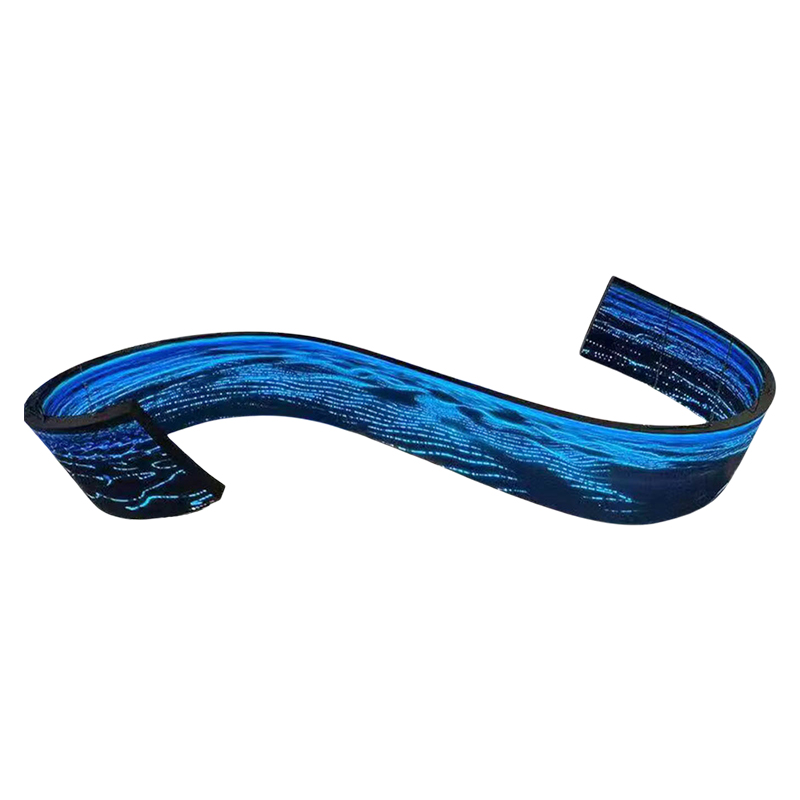
We need the height as well: 2160 pixels. Your ribbon display could have all 3840 horizontal pixels and still be too short to show the complete UHD canvas without resizing it.
Can a Full HD wall play a UHD video?
Yes, provided your player and processor accept that UHD signal and resize it for the wall. The wall still displays its native number of pixels.
Does a smaller pixel pitch always justify the extra cost?
We wouldn’t choose pitch on the label alone. Dense text read nearby can justify pixels that add little to a large image viewed from across a venue. We would check your smallest text from the intended audience position before spending more on a finer pitch.
Does 4K specify refresh rate?
No. We use resolution to describe the pixel grid and refresh rate to describe how often the display updates. For your filmed event, we’d test the screen with the intended camera settings. A 4K label doesn’t answer that question.